
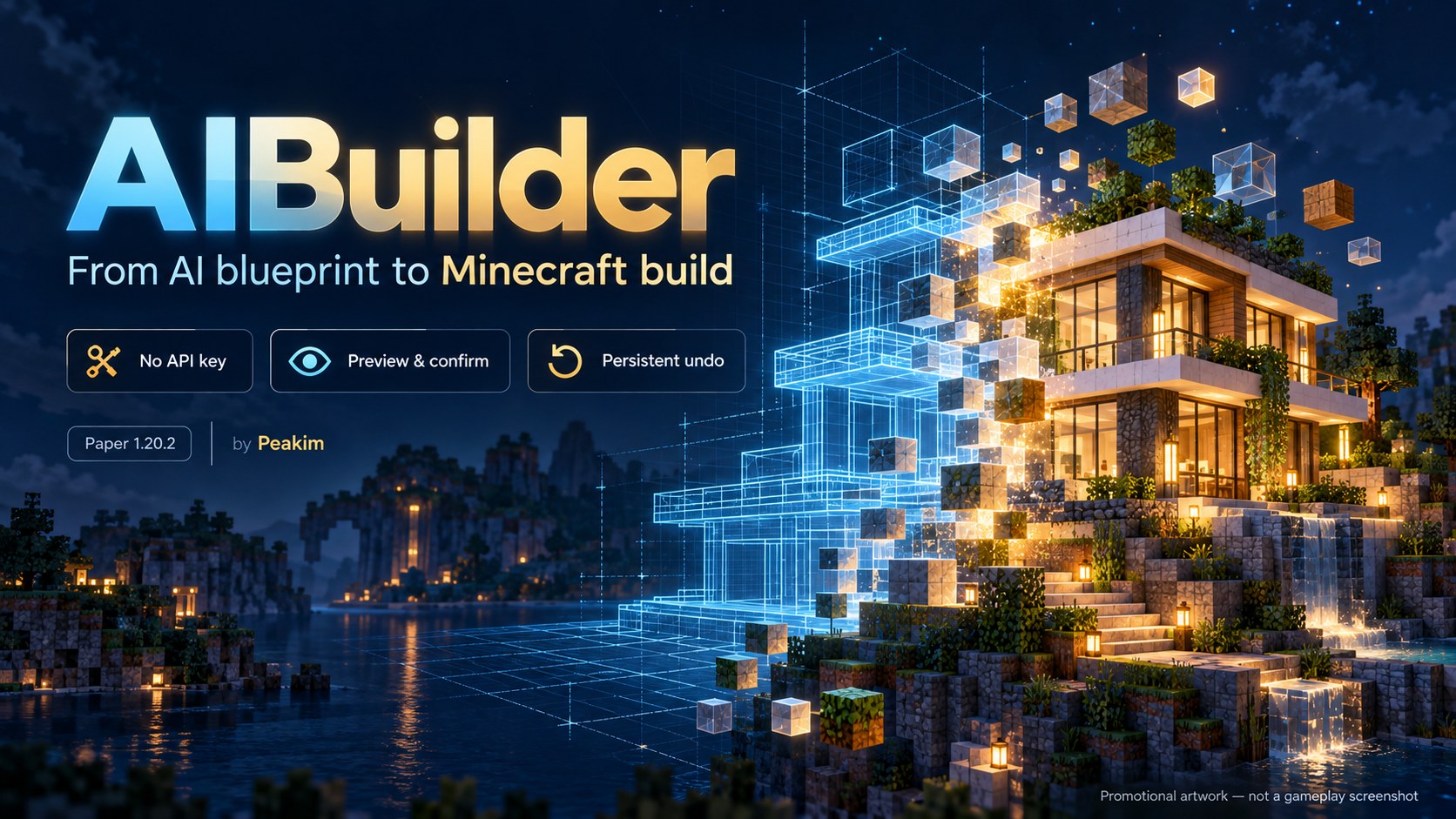

Minecraft AIBuilder plugin — AI Build with prompt (No-API-KEY) | Folia Paper supported 1.16 to 26.3
Build AI-designed JSON blueprints, animate construction, export your builds and keep persistent undo. Paper / Folia.
Turn a building idea into a place players can explore
AIBuilder brings structured AI-generated JSON blueprints into your Minecraft server. Design apartments, shops, interiors and landmarks with an external AI assistant, then choose the location, preview the footprint and confirm construction in-game.
AIBuilder 1.0.3 • Paper / Folia • Minecraft API target: 1.20.2 • Java 17+
A complete blueprint workflow
- No plugin API key or live AI connection: use the included prompt with your preferred external AI assistant, then import its JSON response. Any external AI service has its own terms and costs.
- Preview, rotate, confirm: check a coloured bounding box before placing blocks; rotate plans by 0, 90, 180 or 270 degrees. The preview shows bounds, not a ghost of every block.
- Cinematic construction: an animated cosmetic builder character follows block placement with tool swings, particles and sounds. Switch cinematic mode off for fast batched construction.
- Persistent undo: restore recorded block changes after construction or a restart, with protection for later edits and supported containers. Cancel an active build to roll back its placed blocks.
- Export your own builds: select two corners and export a portable AIBuilder JSON blueprint. Load, rotate and build it elsewhere without embedding source-world coordinates.
- Controlled work budgets: configurable block batches, time budgets, file and dimension limits, loaded-chunk checks and concurrent-job limits.
- Paper and Folia scheduling: block work is scheduled for the owning region on Folia; the same JAR serves both supported platforms.
Start building in minutes
- Install
AIBuilder-1.0.3.jarinplugins/and restart the server. - Give
AI_BUILD_PROMPT.txtplus your building idea to an external AI assistant. - Save the returned UTF-8 JSON in
plugins/AIBuilder/plans/. - Select a loaded, clear area and run:
/aibuild pos look
/aibuild load my_plan
/aibuild preview
/aibuild confirm
Use /aibuild rotate 90 before preview, /aibuild cinematic off for fast mode, and /aibuild undo to restore a recorded build. The installed furnished_room example is a quick first project.
Capture a build you already made
/aibuild pos1 100 64 100
/aibuild pos2 120 85 124
/aibuild export my_apartment
Export writes portable JSON into the plans folder. It includes air by default to preserve openings; noair omits air. Inventories, sign text, entities and arbitrary NBT are not exported. Chests export empty, signs blank; supported beds require both halves.
Compatibility and practical limits
This release targets Paper/Folia APIs for Minecraft 1.20.2 and Java 17+. Plain Spigot, Bedrock server software and newer Minecraft versions are not advertised as supported by this build. The plugin has no WorldGuard/claim integration: grant its permissions only to trusted builders.
Defaults: 50,000 final positions, 128 blocks per axis, 4,096 operations, 64 loaded chunks, 2 MiB JSON and two concurrent jobs. JSON supports validated fill and set operations with a restricted block palette. This is not a universal schematic/NBT importer. Undo does not restore entities or secondary physics effects.
The JAR installs the prompt, examples and configuration. The download also contains embedded setup documentation. Parser, block-state and simulated construction/Folia checks have been performed; live multiplayer visual results are not claimed as verified.
Images
The cover is promotional artwork, not an in-game screenshot. The apartment and interior gallery images are simplified renders generated from the sample JSON blueprint; geometry and materials in-game can differ. The supplied luxury-apartment blueprint demonstrates decorative furniture; the installed furnished-room example demonstrates supported beds, empty chests and blank signs.
Created by Peakim. One-time listed price: $5.00.
Example configuration
# Paper 1.20.2 / Java 17. Commands default to OP only.
blocks-per-tick: 150
milliseconds-per-tick: 4
max-blocks: 50000
max-dimension: 128
max-expanded-writes: 250000
max-file-bytes: 2097152
max-operations: 4096
max-chunks: 64
max-active-jobs: 2
undo-history-per-player: 5
preview-seconds: 20
confirmation-seconds: 120
# False stops construction if a different non-air block would be overwritten.
# Existing block entities/inventories are never overwritten.
replace-existing: false

# Slow, video-friendly building and undo. Disable for the original fast batch mode.
cinematic:
  enabled: true
  interval-ticks: 4
  blocks-per-step: 1
  sounds: true