
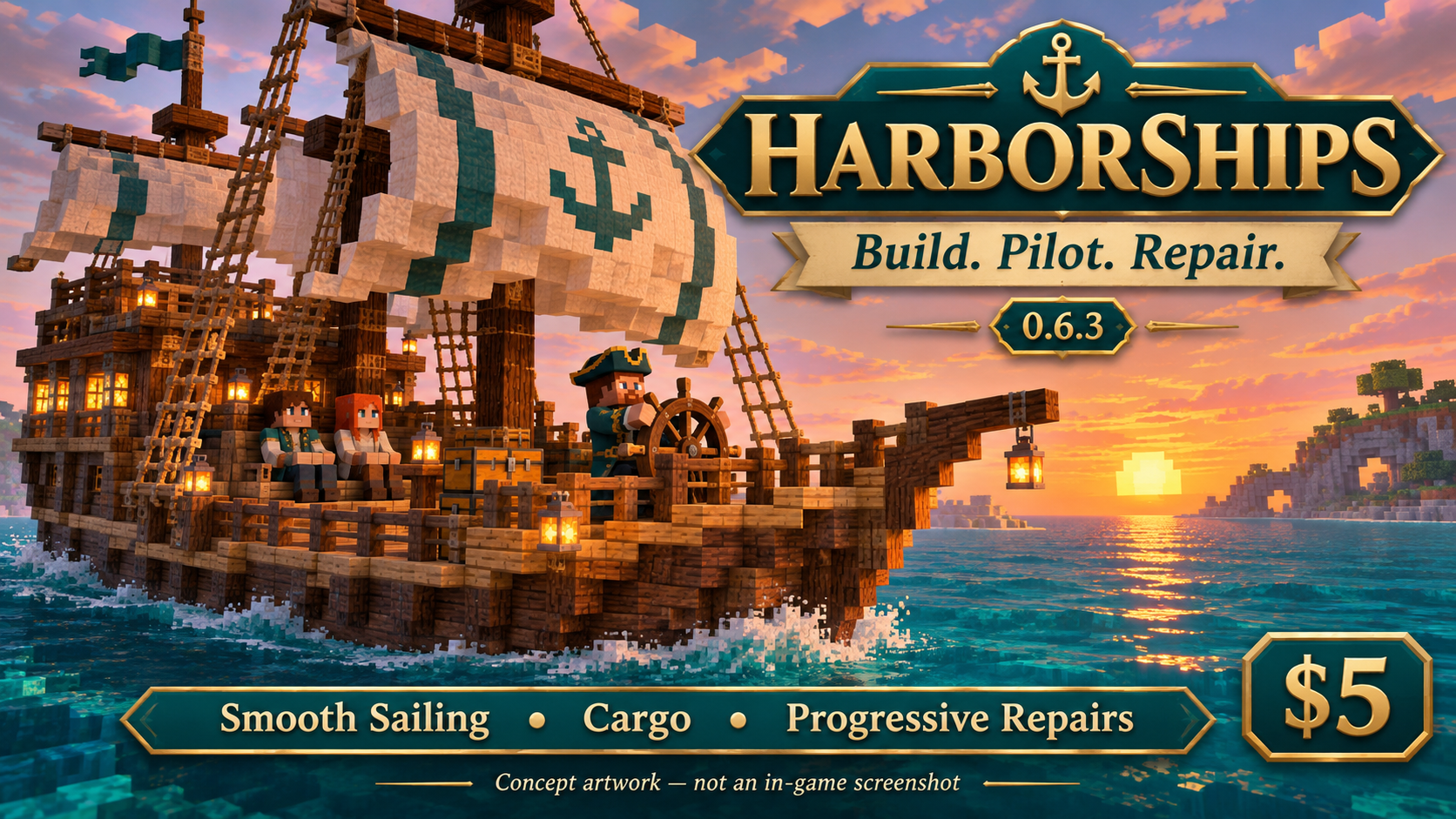

Minecraft HarborShips Plugin | Custom Ships, Smooth Sailing, Cargo & Repairs [1.20.1]
Build your own vessel: seated WASD sailing, smooth 90-degree turns, owner-only cargo and progressive hull repairs.
HarborShips
Build. Pilot. Repair.
Turn your own block-built vessel into a player-owned ship. HarborShips brings custom hull selection, seated WASD sailing, animated quarter-turns, protected cargo and progressive repairs to Minecraft Java 1.20.1.
$5 USD · Version 0.6.3 · Early access
Designed for maritime roleplay, harbor communities and server owners who want to build the vessel themselves instead of choosing a fixed model.
Your build becomes the ship
Select two corners with /ship pos1 and /ship pos2, then register your vessel. Air and water are ignored. Owners can name ships, transfer ownership, trust players, unlock editing and resize the registered structure. A ship-entry actionbar displays Ship: <name> | Owner: <owner>.
Choose how you sail
Smooth mode: seated, continuous WASD movement relative to the captain's view. Carry seated passengers, turn smoothly through 90 degrees, and use automatic turning when the captain looks beyond the configured angle. Nearby players hear the nautical soundscape.
Block mode: a separate step-based movement option with real deck blocks for walking. Smooth mode uses a visual hull without a walkable collision deck; passengers stay seated while it moves.
Cargo with a clear owner
Single normal or trapped chests provide owner-only cargo access while docked. Contents are stored separately from the moving chest shell, with transaction receipts and recovery checks intended to reduce duplication risk. Cargo handling uses controlled shift-click transfers. Double chests and other tile-entity storage are not supported.
Damage that matters
Supported explosions and the compatible Rocket bridge can remove limited sections of the hull while excluding cargo blocks. A damaged ship cannot move or turn until repaired.
Stand aboard your docked vessel and use /ship repair <name>. One command pays for the current damage and rebuilds it one block at a time, with repair sounds, particles and progress in the owner's actionbar. Default timing is 5 seconds per block. Cost is 10 matching Gang Point items per block, not Vault money. Admins can bind the server's actual currency item with /ship setpointitem and diagnose matching with /ship pointcheck.
A lighter approach to larger hulls
- Fully enclosed blocks from a conservative set of opaque cube materials do not need individual sailing displays.
- Adjustable visual update intervals use client interpolation; the default is 2 ticks.
- Cached bounds and per-display offsets reduce repeated calculations.
- Unchanged stationary frames are skipped, and queued visual updates are coalesced.
- Full blueprints, cargo references, damage and docking blocks remain intact.
The default smooth travel limit is 200 blocks from launch, configurable from 1 to 4096. Collision, loaded-chunk, other-ship and Folia region checks remain active. /ship debug reports hull/display counts and movement settings.
Requirements and compatibility
| Item | Details |
|---|---|
| Minecraft | Java Edition 1.20.1 only advertised for this release |
| Server | Paper; Folia-oriented scheduling is implemented |
| Runtime | Java 17 or newer, as required by your server |
| Smooth controls | ProtocolLib required; install a build compatible with your server |
| Rocket features | Optional compatible Rocket integration; Rocket is not included |
| Download | HarborShips 0.6.3 JAR; setup, commands and config are in the Wiki |
Before you buy
This is an early-access release. The build passes 55 automated tests, but full live Paper/Folia gameplay, native crash recovery and 3,000-block multi-ship performance have not been independently validated. Test on a staging server and keep backups. Folia region boundaries and unloaded chunks stop sailing; seamless region handoff is not implemented.
Defaults allow 1,500 registered hull blocks and 800 smooth-mode blocks. You can raise these limits, but performance depends on hull shape, passengers, nearby players and simultaneous ships. No FPS, TPS or duplication-proof guarantee is offered.
Movement and rotation use conservative bounding volumes. Ships need open space; ground, shorelines, other vessels and tight harbors can block travel. There is no wave physics, sinking, vertical sailing or water-only travel restriction. Most tile entities, including barrels, furnaces, signs and banners, cannot be part of a registered moving hull. Normal/trapped single chests must be empty on initial registration.
Some runtime messages and the default currency display name are Persian; this release is not fully English-localized. The ship-entry actionbar is English. Use clean server restarts; live plugin reloads are unsupported.
Artwork notice: cover and gallery images are AI-generated promotional illustrations, not gameplay screenshots. Illustrated ships and decorative scenery are not included as builds or schematics. ProtocolLib and Rocket are separate downloads.
Ready to launch? Install the JAR, open the Wiki, select your hull and set sail.
Example configuration
max-selection-volume: 32768
max-blocks: 1500
max-side: 48
step-ticks: 10
pilot-radius: 8.0
smooth-max-speed: 0.18
smooth-acceleration: 0.012
smooth-max-blocks: 800
smooth-travel-limit: 200
smooth-optimization:
  cull-interior: true
  visual-update-ticks: 2
smooth-max-passengers: 8
auto-rotate:
  enabled: true
  threshold-degrees: 65
  cooldown-ms: 1500
smooth-rotation:
  duration-ticks: 40
ship-sounds:
  enabled: true
  volume: 1.3
  interval-ticks: 24
  turn-horn: true
ship-rockets:
  enabled: true
  item-name: '&c&lRocket'
  custom-model-data: 0
  cooldown-seconds: 10
  speed: 1.8
  damage: 100
  radius: 5
  fire-ticks: 100
ship-damage:
  enabled: true
  max-blocks-per-hit: 5
  radius: 3
gang-point-item:
  material: GOLD_INGOT
  name: '&6&l امتیاز گنگ'
  lore:
    - '&7GPOINT'
ship-repair:
  seconds-per-block: 5
ship-effects:
  creation: true