
Spigot
WordPressMCSHOP
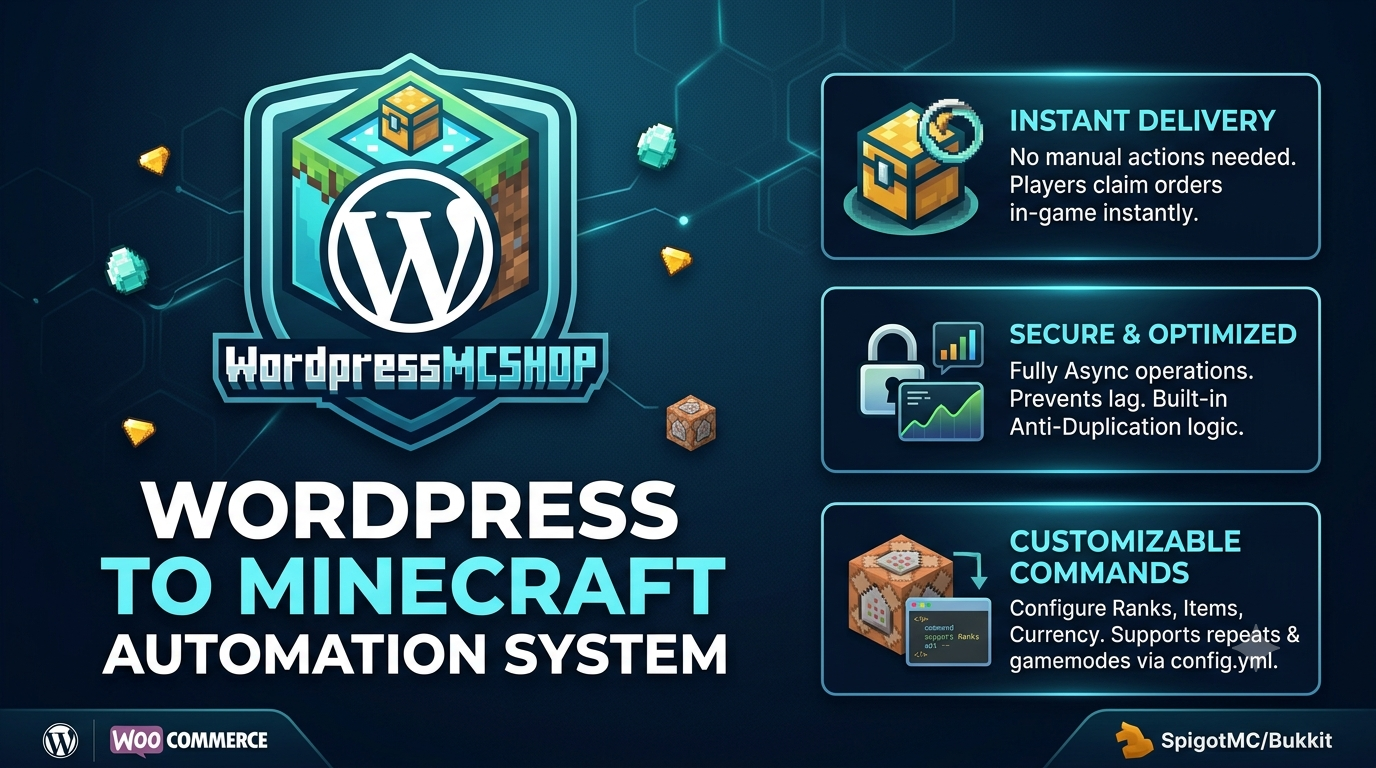
The first plugin for automated order delivery via WordPress sites.
What is WordPress Minecraft Shop? 🛒
WordPress Minecraft Shop connects WooCommerce to your Minecraft server. Completed purchases are stored in MySQL, allowing players to view and claim their orders in-game.
⚡ Features
- ✅ WooCommerce integration
- ✅ Automatic order delivery
- ✅ Minecraft username field at checkout
- ✅ Configurable product commands
- ✅ Quantity and multiple game-mode support
- ✅ LuckPerms temporary-rank protection
- ✅ MySQL order storage and caching
- ✅ Custom messages, sounds, particles, and announcements
📦 Requirements
- WordPress and WooCommerce
- PHP mysqli extension
- Spigot/Paper 1.16.5+
- LuckPerms
- A shared MySQL database
⚙️ Installation
WordPress
- Edit minecraft-order-connector/config.php.
- Enter your MySQL information.
- Upload minecraft-order-connector to wp-content/plugins/.
- Activate Minecraft Order Connector.
Minecraft
- Place WordpressMCSHOP.jar in the server’s plugins folder.
- Start the server.
- Enter the same MySQL information in plugins/WordpressMCSHOP/config.yml.
- Configure your products and restart the server.
🛍️ How It Works
- The customer enters their Minecraft username at checkout.
- The WooCommerce order becomes Completed.
- Purchased products are sent to MySQL.
- The player joins the server and runs /myorder.
- The player claims a purchase using /getorder <id>.
- The configured command runs and the order is removed.
All Minecraft messages can be customized under messages in config.yml.
Example configuration
products:
  "Diamond Pack":
    command: "give %player% diamond %qty%"
    repeat: false

  "VIP-Rank":
    command: "lp user %player% parent addtemp vip 30d"
    repeat: false

  "Magic Key":
    command: "crate key give magic %player%"
    repeat: true

%player%   - Customer's Minecraft username
%qty%      - Purchased quantity
%gamemode% - Selected game mode