
Spigot
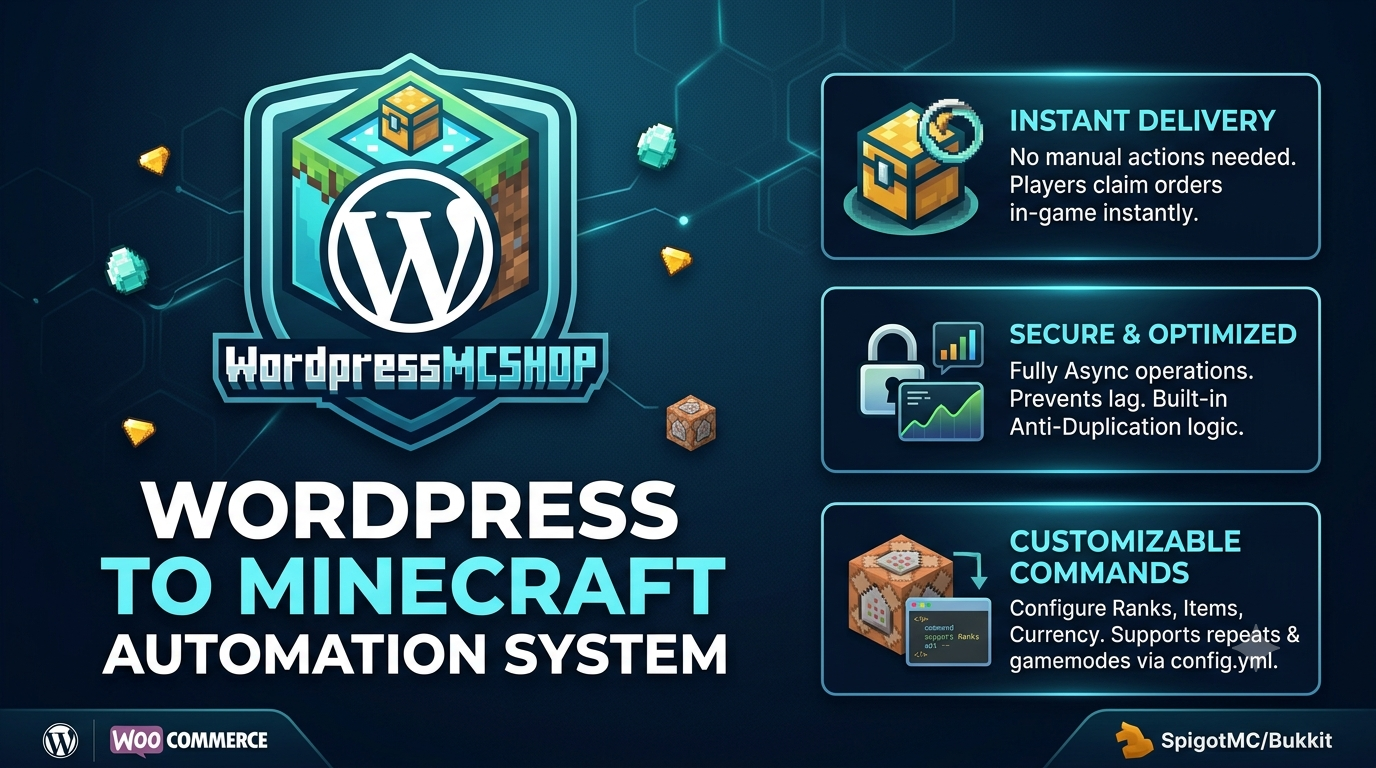
WordPressMCSHOP
The first plugin for automated order delivery via WordPress sites.
How to use
🛡️ Commands
/myorder
Permission: None
Description: View your pending orders.
/getorder <id>
Permission: None
Description: Claim an order.
/order-update
Permission: wordpressmcshop.order-update
Description: Refresh orders from MySQL.
============================================
🗄️ Database Table
CREATE TABLE purchased_items (
id INT AUTO_INCREMENT PRIMARY KEY,
order_id BIGINT NOT NULL,
player_name VARCHAR(64) NOT NULL,
product_name VARCHAR(255) NOT NULL,
gamemode VARCHAR(64),
qty INT NOT NULL DEFAULT 1,
created_at DATETIME NOT NULL
) ENGINE=InnoDB DEFAULT CHARSET=utf8mb4;
🌐 WordPress Installation
- Open minecraft-order-connector/config.php and enter your MySQL information.
- Upload the minecraft-order-connector folder to:
wp-content/plugins/
- Open WordPress Dashboard → Plugins.
- Activate Minecraft Order Connector.
- Make sure WooCommerce is installed and active.